Appearance
Network administrator guide
The network-admin workspace provides a view across clubs.
- Monitor requests and activity.
- Create and maintain courses.
- Manage network partnerships.
- Invite and manage staff.
Course-level tasks reuse the course manager guides. Settings currently explains the sign-in model; member access comes from rosters, and staff access is managed through Staff.
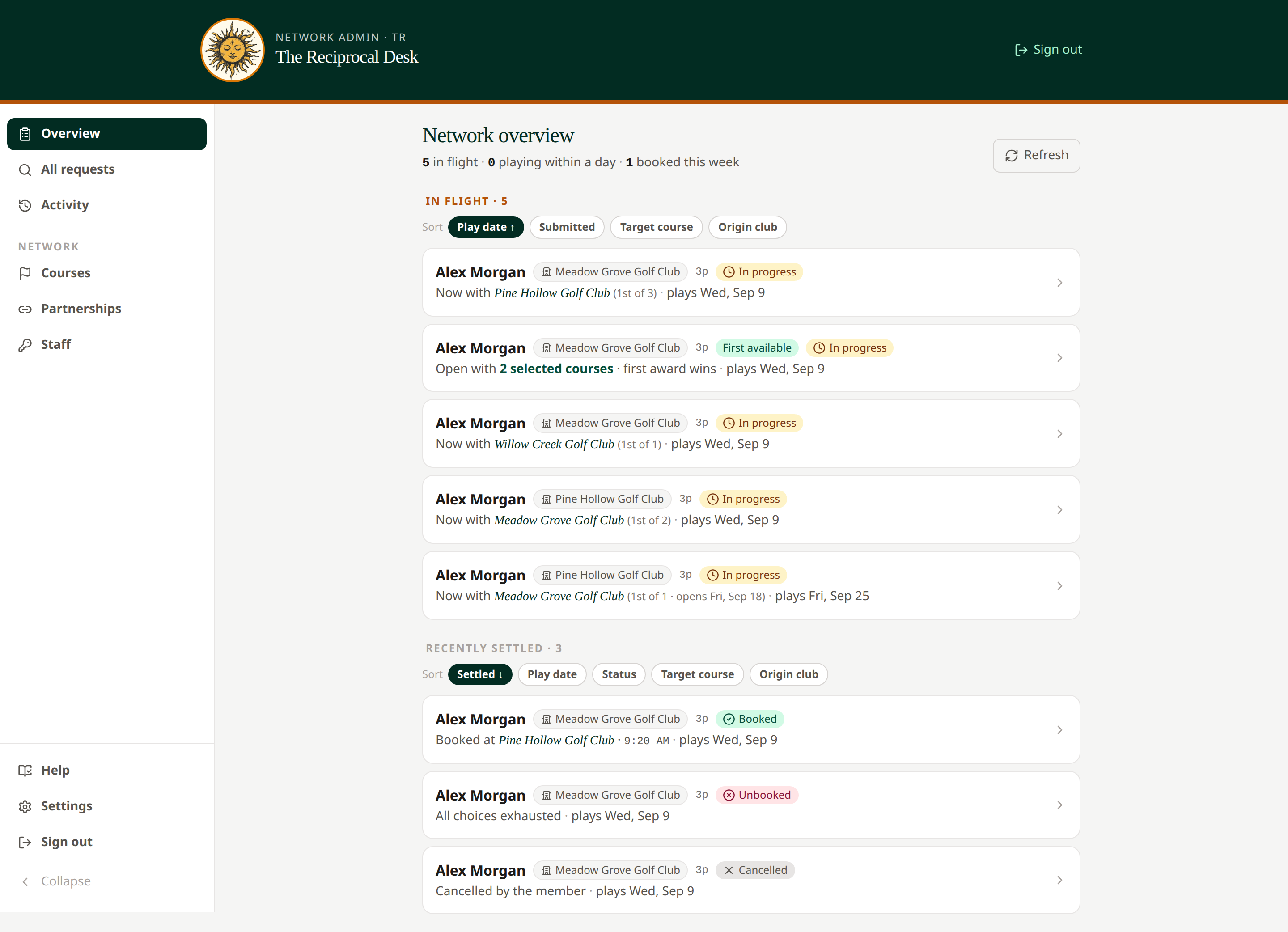 The network overview helps identify requests that need attention.