Appearance
Course manager guide
Use the pro shop workspace to welcome visiting members and help your own members arrange reciprocal play.
Set up your club
- Check your course profile.
- Add or import your roster, or connect Golf Genius.
- Invite other course managers.
- Set up network partnerships and non-network partners.
- Review notification templates and branding.
Personalize your view
Open Settings → Appearance to choose Modern or Editorial Ink. This is a personal preference; use Branding to change your club’s saved colors and images.
Work the desk
Start with your request queue. Award or deny visiting requests, record telephone bookings, and manage requests for your own members. Use the activity log to investigate changes.
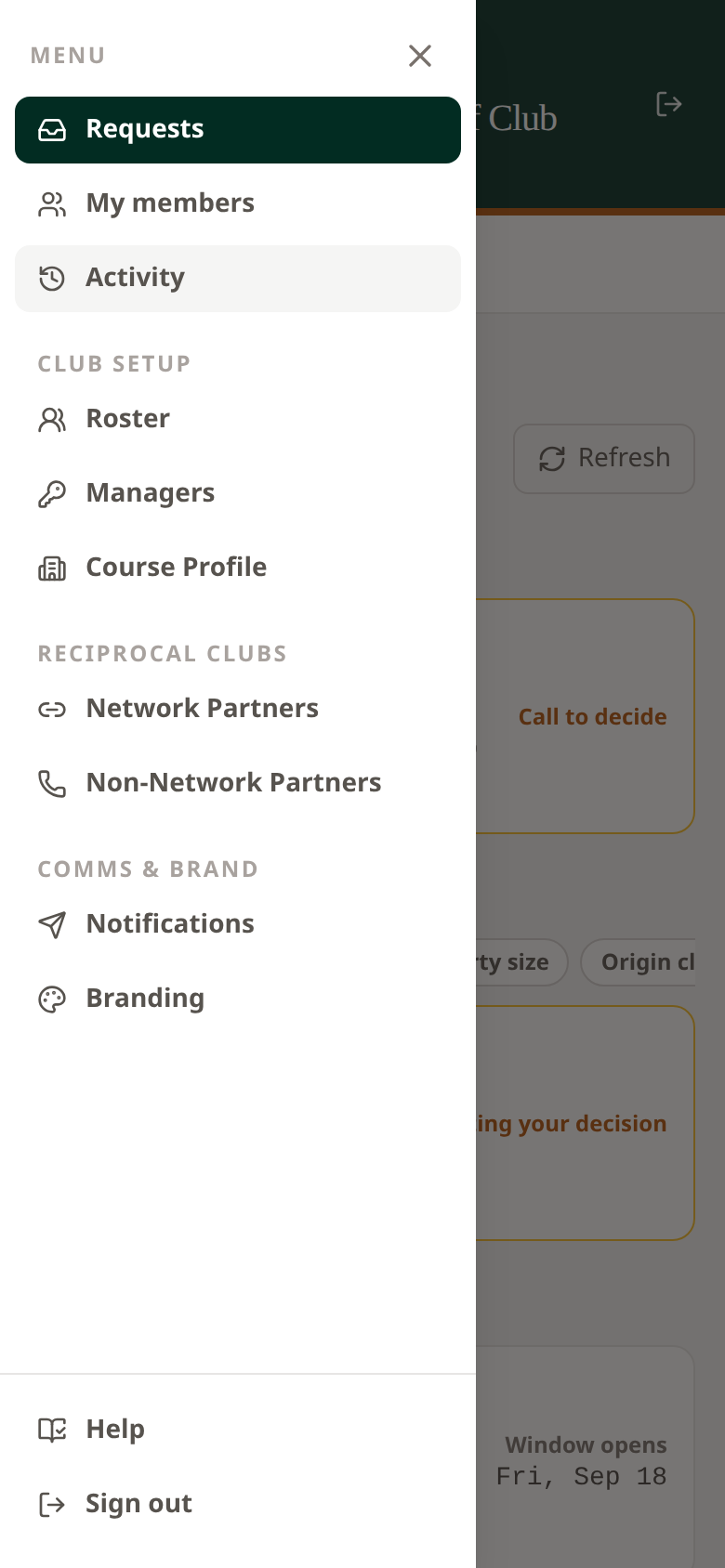 Open the mobile menu to reach club setup, reciprocal partners, and your personal Settings.
Booking payments
See the booking payment guide for payment-enabled courses, payment status, and your account’s available actions.