Appearance
Review activity and internal notes
Search the activity log
- Open Account Actions Log.
- Select Refresh to load current events.
- Search by actor, action, or target.
- Choose a category such as Requests, Roster, Club setup, or Sign-ins.
- Read the matching event details.
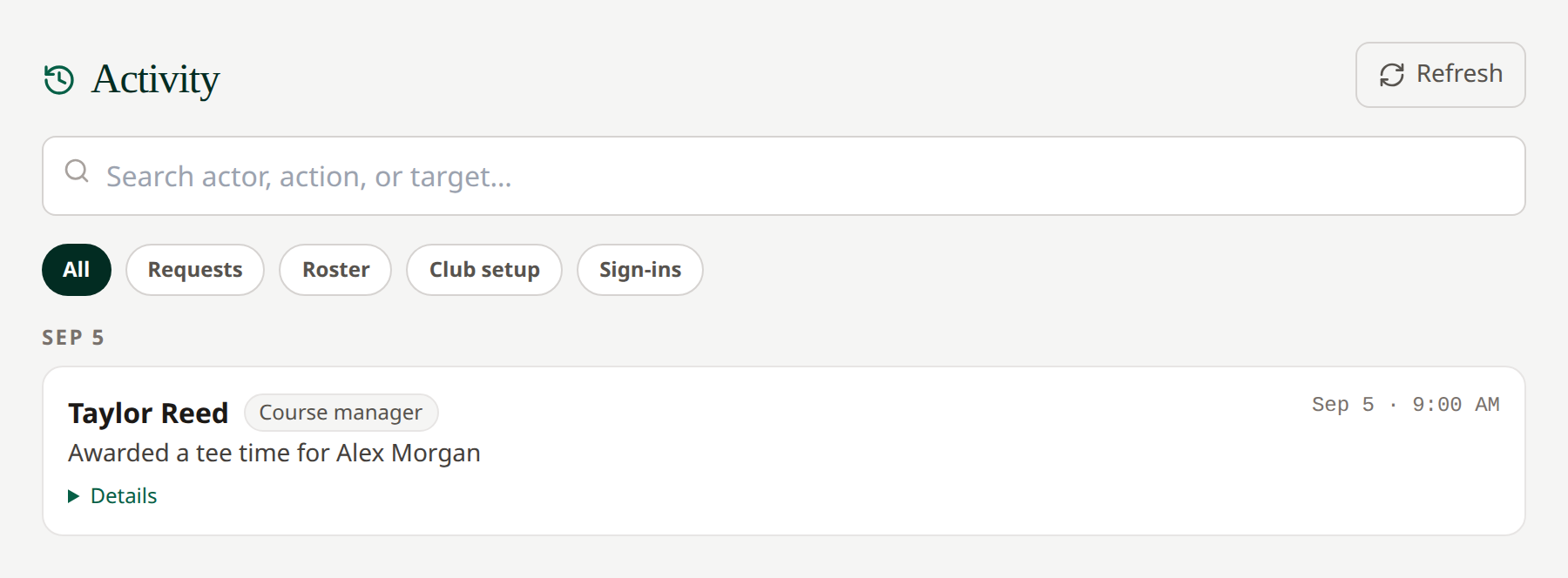 Course managers see activity relevant to their own club.
The log shows 50 entries per page, newest first. Use Previous and Next below the list for older entries. Search and category filters apply to the full club history and return you to page one.
Add internal notes
Open a request, find Staff notes (internal), enter the relevant information, and select Add. These notes help staff coordinate and are separate from the message sent to the member. Use the award or denial Note to the member when the golfer needs to receive instructions.
Related: Manage your members' requests · Notifications
Only a desk admin can clear history. Managers do not see a clear-history control. For a reset, contact your network administrator.
Request-related entries show the request number, full request ID, member, and play date. Search by the full request ID (or part of it) to find related actions. Expand Details for before-and-after changes. Course choices use course names where available; new edits preserve those names even if a course is later renamed.