Appearance
Member guide
Request reciprocal play, follow the pro shops' responses, and prepare for your round.
- Sign in.
- Browse partner courses and their rates and notes.
- Create a request with your date, players, and course choices.
- Track its progress.
- When booked, read your Tee Ticket.
You can also edit a pending request, withdraw a course, cancel a request, manage your profile and guests, and choose Modern or Editorial Ink in Settings → Appearance.
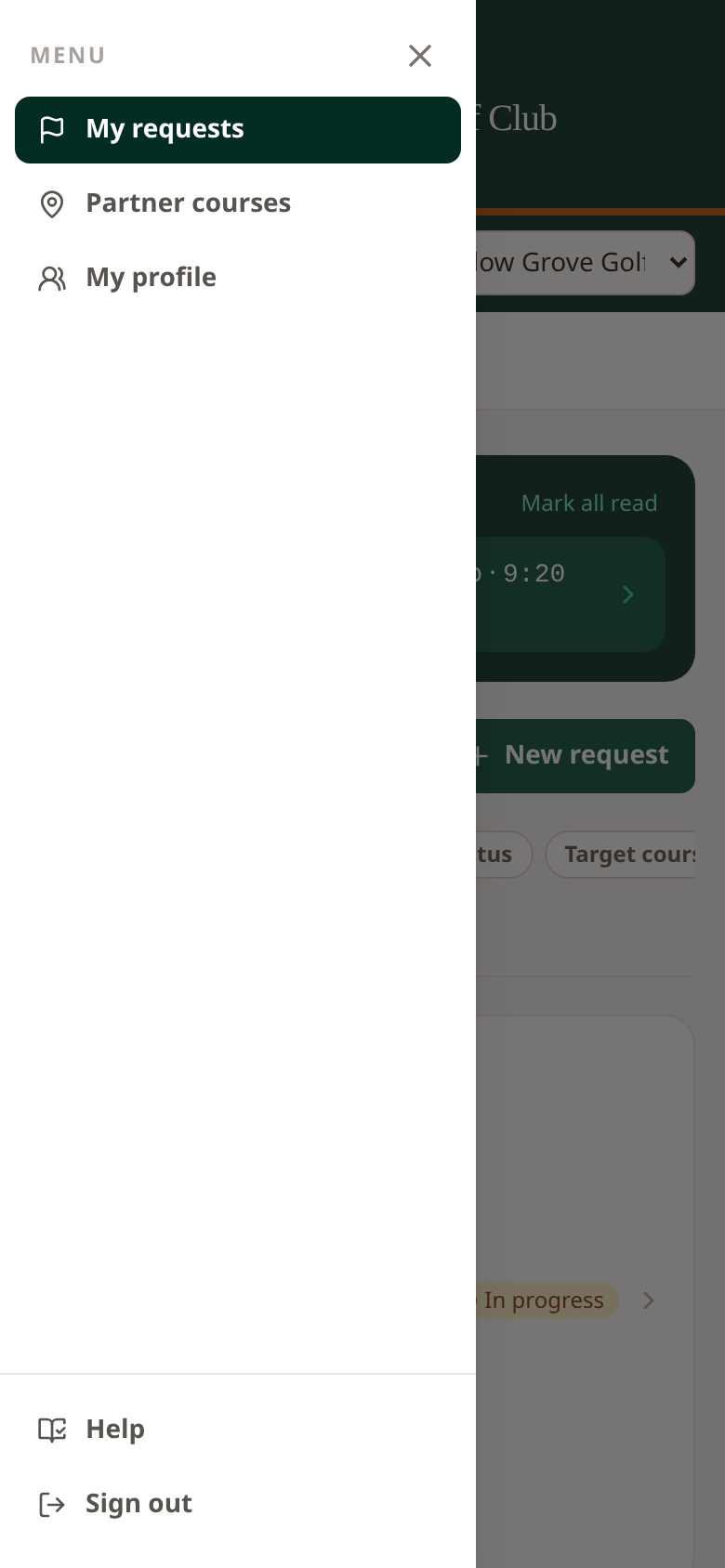 On a phone, open the menu to find requests, courses, profile, Settings, Help, and Sign out.
Booking payments
See the booking payment guide for payment-enabled courses, payment status, and your account’s available actions.