Appearance
Browse partner courses
- Open Partner courses from the menu.
- Find the club you are considering.
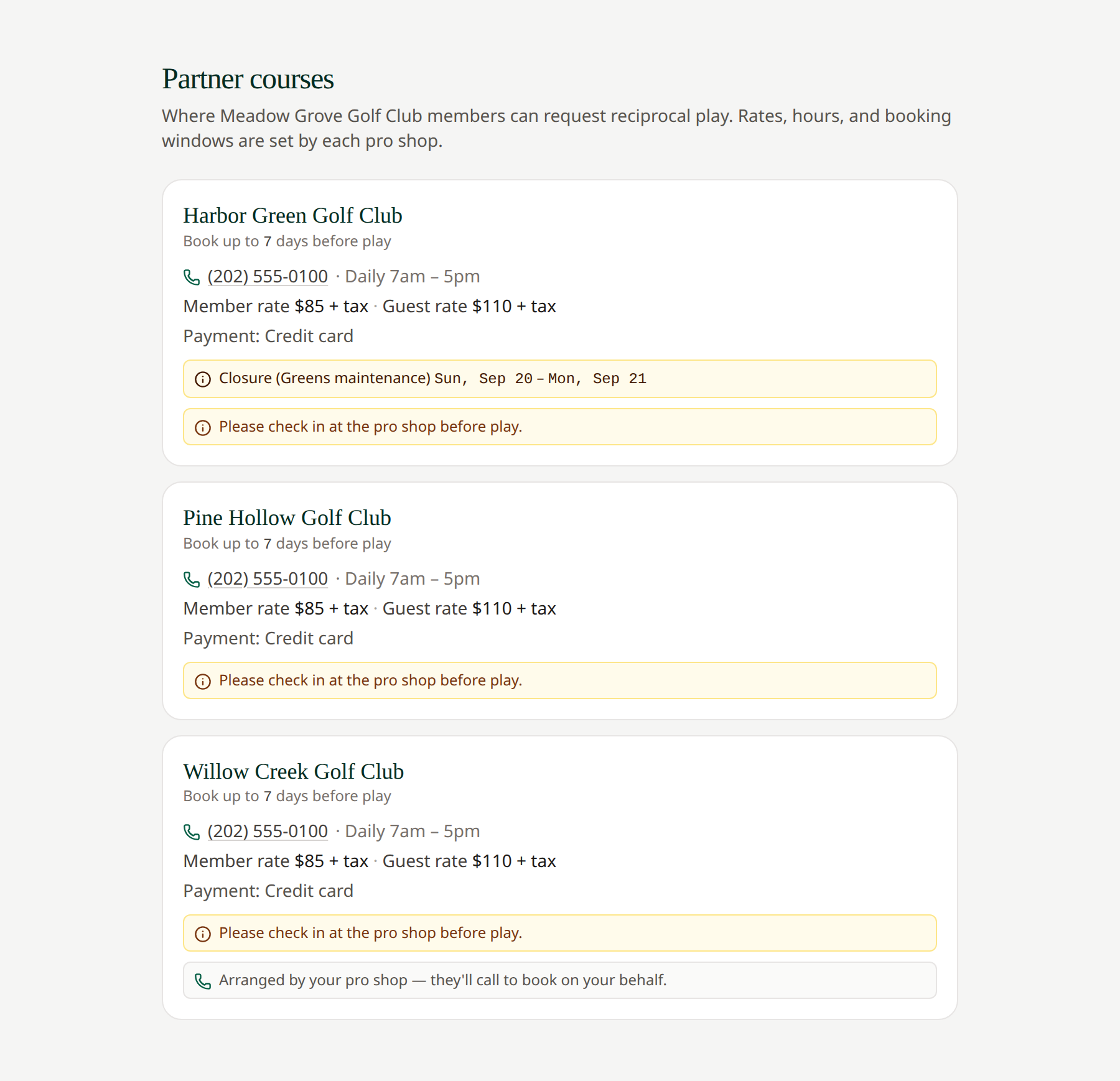
- Review its booking window, rates, payment methods, pro shop hours, contact information, closures, and notes.
- Use the address link for directions or the phone link to call when available.
- Return to My requests to create a request.
 Your own club controls which partner courses you can select.
A non-network course includes a note that your pro shop will call to arrange the booking. It can still be selected in your request.
If a course is missing, check the club you are viewing if you have several memberships. A course may not be activated for that club or may have been retired.
Related: Profile and club memberships · Routing