Appearance
Manage your profile and club memberships
Update your name and phone
- Open My profile.
- Edit your name and select Save name.
- Update your contact phone and select Save phone.
Your profile name and the name held on a club's roster are separate. Ask your pro shop to correct roster information if it is wrong.
The contact phone preference is stored in this browser. Check the phone field when making a request, especially on another device.
Review club information and saved guests
Your profile lists your club memberships and available roster fields. Club-maintained fields must be corrected by the pro shop. Remove a saved guest with the control beside that guest; add new guests while preparing a request.
Choose your appearance
Open Settings → Appearance to choose Modern or Editorial Ink. This preference is separate from My profile and is saved for your account on this browser. See Change your theme for desktop and phone instructions.
Switch clubs
If you have more than one active club membership, use Member at … clubs — viewing as beneath the header to select the home club for a new request. This changes the partner list and roster used by the request form.
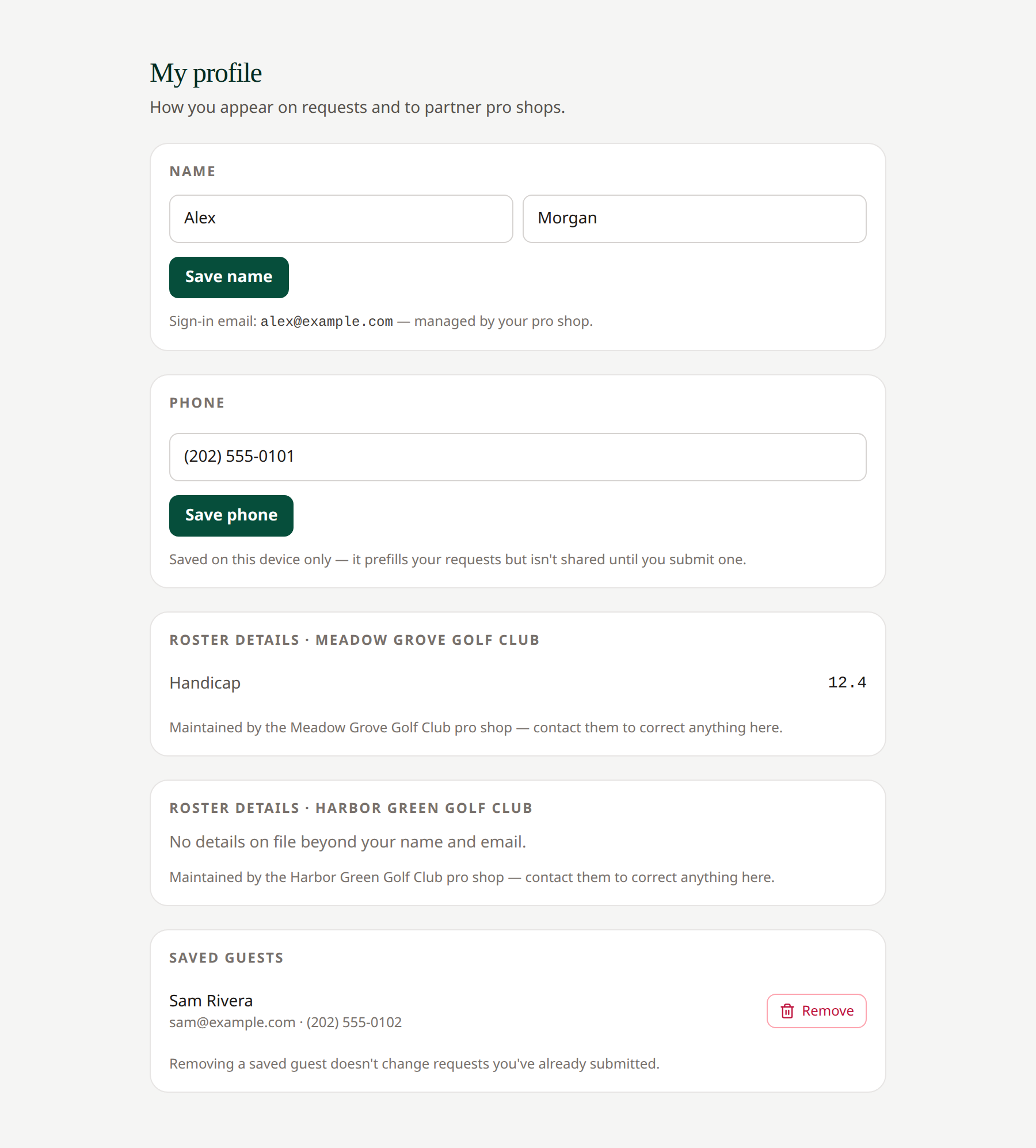 Your pro shop maintains club roster information; you maintain your profile name and saved guests.
Related: Create a request · Troubleshoot inactive access