Appearance
Activate your member account or sign in
Your pro shop must add your email to its roster before you can use Reciprocal Desk as a member. Course managers and network administrators receive staff invitations.
First sign-in
- If you have an invitation, open it. Otherwise, on the sign-in page select First time here? Activate your member account.
- Enter the email your club has on its active roster and select Send activation link. This also works for members synced from Golf Genius.
- On Check your email, confirm the address, check your inbox and spam folder, and open the latest email’s link. Use Change email address to correct a typo or wait for the countdown to resend.
- Enter a password of at least eight characters in both password fields.
- Select Set password & continue.
- Check that the displayed club and workspace match the account you expected.
Not receiving the email?
Check your spam or junk folder, and confirm that the address shown on Check your email matches the email on your club’s roster. If the email does not arrive, wait for the resend countdown and request a new link. If it is still missing, ask your pro shop to verify your active roster entry and email address.
If your club is archived
If your club is archived, its member and manager access is unavailable until a network administrator reactivates it. Archiving does not erase your account or roster entry. Members with another active club membership can continue using that active club. Contact the network administrator if you see Club access unavailable.
Returning to the desk
- Open Reciprocal Desk.
- Under Already registered? Sign in, enter your account email address and password.
- Select Sign in.
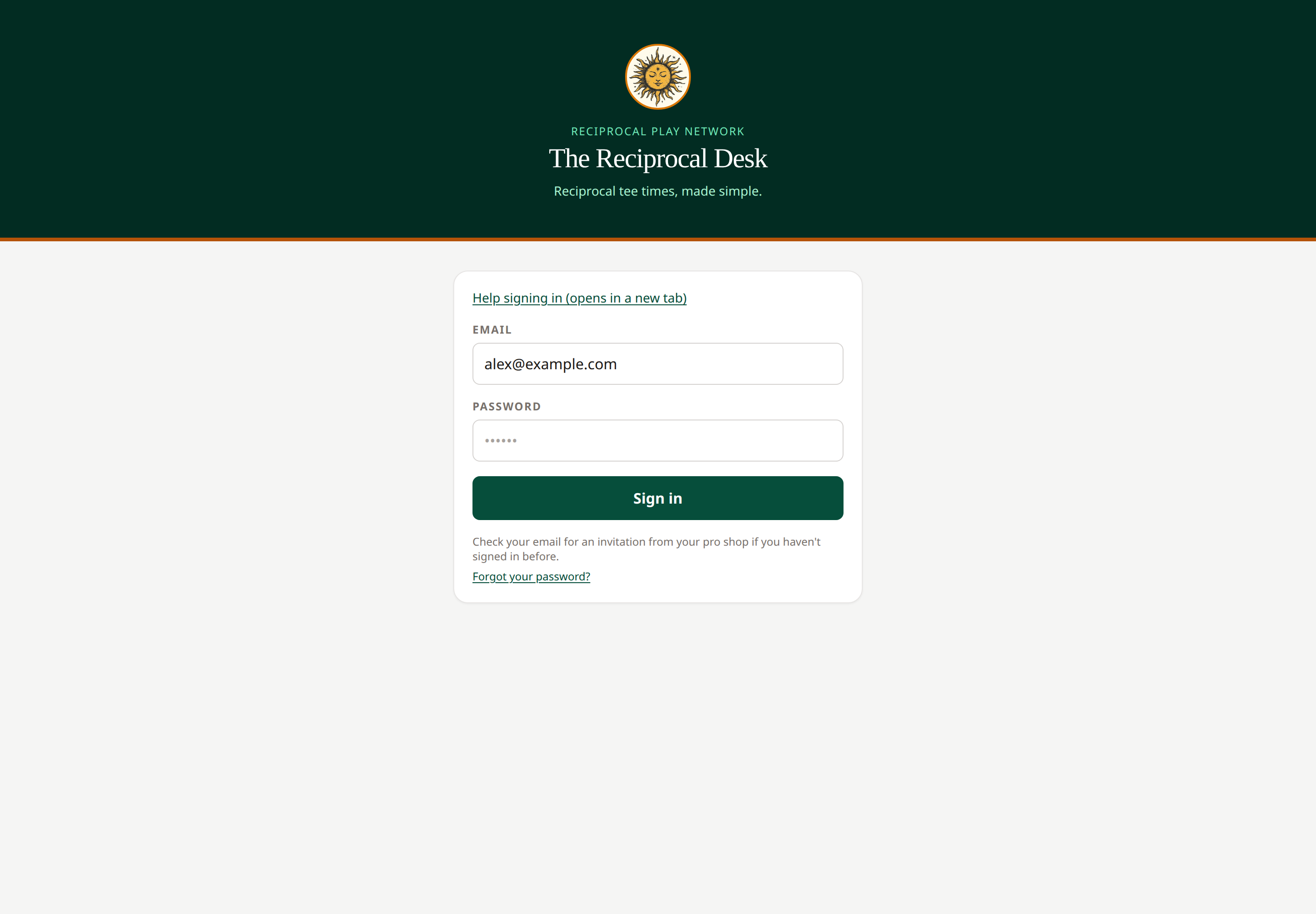 Use the email address on your club roster or staff invitation. Open full-size image.
On a phone, open the menu to reach the different pages. Help opens this knowledge base in a new tab. Select Sign out when you finish on a shared device.
If something is wrong
Check your spam folder for the invitation. Ask your pro shop to verify your email and active roster membership if you have no invitation or the account is inactive. A staff role can take precedence over a member role for the same email.
Related: Reset your password · Multiple club memberships · Troubleshooting
Activation does not sign you in until you open the email link and set a password. Existing accounts receive a password-reset link. The Check your email screen explains the next step; an accepted request does not confirm roster membership. Check spam and wait for the resend countdown before trying again. Busy periods may require a longer wait. If delivery is temporarily unavailable, try again later. If no email arrives, have your pro shop check your active roster entry and email address. Roster sync itself does not send activation emails.
Staff invitations
Managers and network administrators use their staff invitation to set a password. Select Manager or administrator? Staff invitation help for guidance or to request a fresh password link for an existing account. Member activation does not create a staff account. If you have not been invited, contact your club or network administrator.
After members finish password setup, a welcome panel shows their selected club and offers Browse partner courses and Submit your first request. You can dismiss this panel. Returning sign-ins do not show it.