Appearance
Reset your password
Use this when you have an account but cannot remember your password. A reset does not add you to a club roster.
- Open Reciprocal Desk.
- Select Forgot your password?.
- Enter the email address associated with your account.
- Select Send reset link. On Check your email, confirm the address and check your inbox and spam folder. You can change the email or resend after the countdown.
- Follow the email link.
- Enter and confirm a new password of at least eight characters.
- Select Set password & continue.
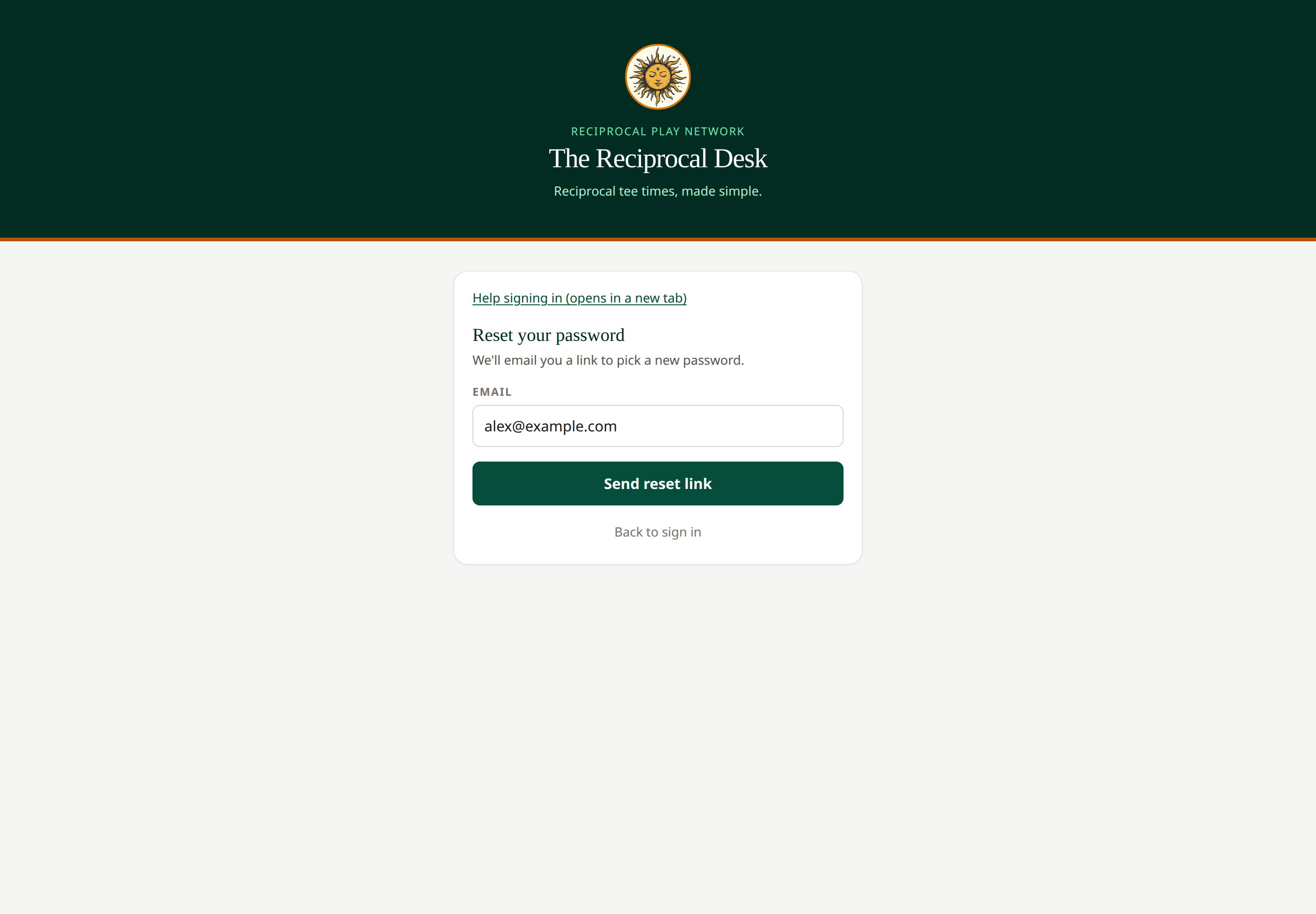 The reset link is sent to the address you enter.
If the link no longer works, request a fresh one and use the latest email. If your password works but your membership is inactive, ask your pro shop to check the roster.
Course managers can invite managers but cannot send staff password resets through their Managers page. Ask your network administrator if you need help with a staff password reset.
Related: Sign in · Troubleshooting
The password form appears only after the email link has established a valid sign-in session. If you see This link has expired or is no longer valid, select Request a new link or Back to sign in. Open the newest email, rather than reusing an old link. Reloading a verified password-setup page can resume for up to 15 minutes in the same tab; if browser storage is unavailable, request a fresh link. Show password helps check your entries before submitting.
The check-email message is conditional to protect account privacy: it does not confirm whether an address has an account.