Appearance
Manage network partnerships
Open Network Partners to work with courses that use Reciprocal Desk.
View a club’s public details
Select a club’s name to expand its card. You can review its booking window, address, pro shop phone and hours, member and guest rates, payment options, availability note, and current or upcoming closures when the club has supplied them. Select the name again to collapse it; multiple clubs can stay open for comparison.
Viewing these details does not send a partnership request or change an existing partnership. Activation and revocation controls remain separate.
Request a partnership
- Find the course in the list.
- Select Send partnership request.
- Add an optional note.
- Select Send request.
- Review the pending relationship while you wait for an answer.
Respond and activate
- Find an incoming request.
- Review its note.
- Select Accept partnership, or enter an optional reason and select Deny.
- For an approved relationship, use its Activate for member requests checkbox to make the course available to your members.
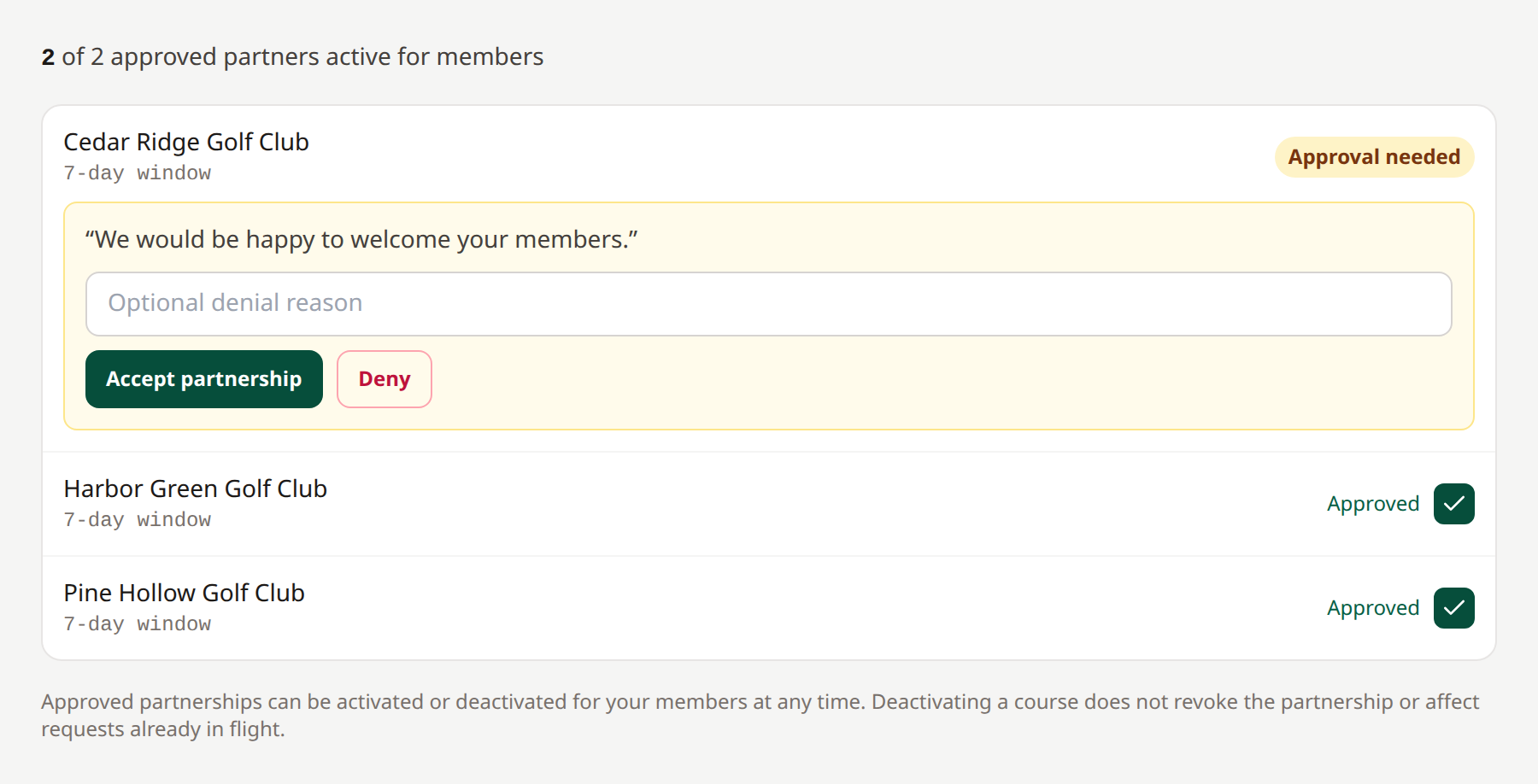 Approval establishes the relationship; your club controls whether its members can select the partner.
Deactivating a course for your members preserves the partnership and does not change requests already in flight. The other club manages its own member-facing activation.
Use Cancel request to withdraw an outgoing pending partnership request. This manager control acts immediately. Expand Partnership history to review ended, denied, or cancelled relationships when that section appears.
Revoke a partnership
Select Revoke partnership beneath an approved partner, review the two club names, and select Confirm revocation. Either club’s manager can revoke without the other club’s approval; a network administrator can also revoke it. This applies even when the partner is deactivated for members.
Revocation blocks new requests in both directions. Existing requests and confirmed bookings continue unchanged. Both clubs retain partnership history and receive the existing partnership notifications. To restore the relationship, send a new partnership request and have it accepted. The activation checkbox cannot restore a revoked partnership.
Related: Non-network partners · Partner directory