Appearance
Administer network partnerships
- Open Partnerships.
- Use the course and status filters to find the relationship.
- Review its request date, notes, status, and any denial reason.
- Act on behalf of the appropriate course only after checking both sides.
Available actions
For a new request, select the requesting and target courses, add an optional note, and select Send request.
For a pending request, use Accept, Deny, or Cancel. A denial reason is optional. For an active relationship, select End partnership, then confirm Confirm mutual removal.
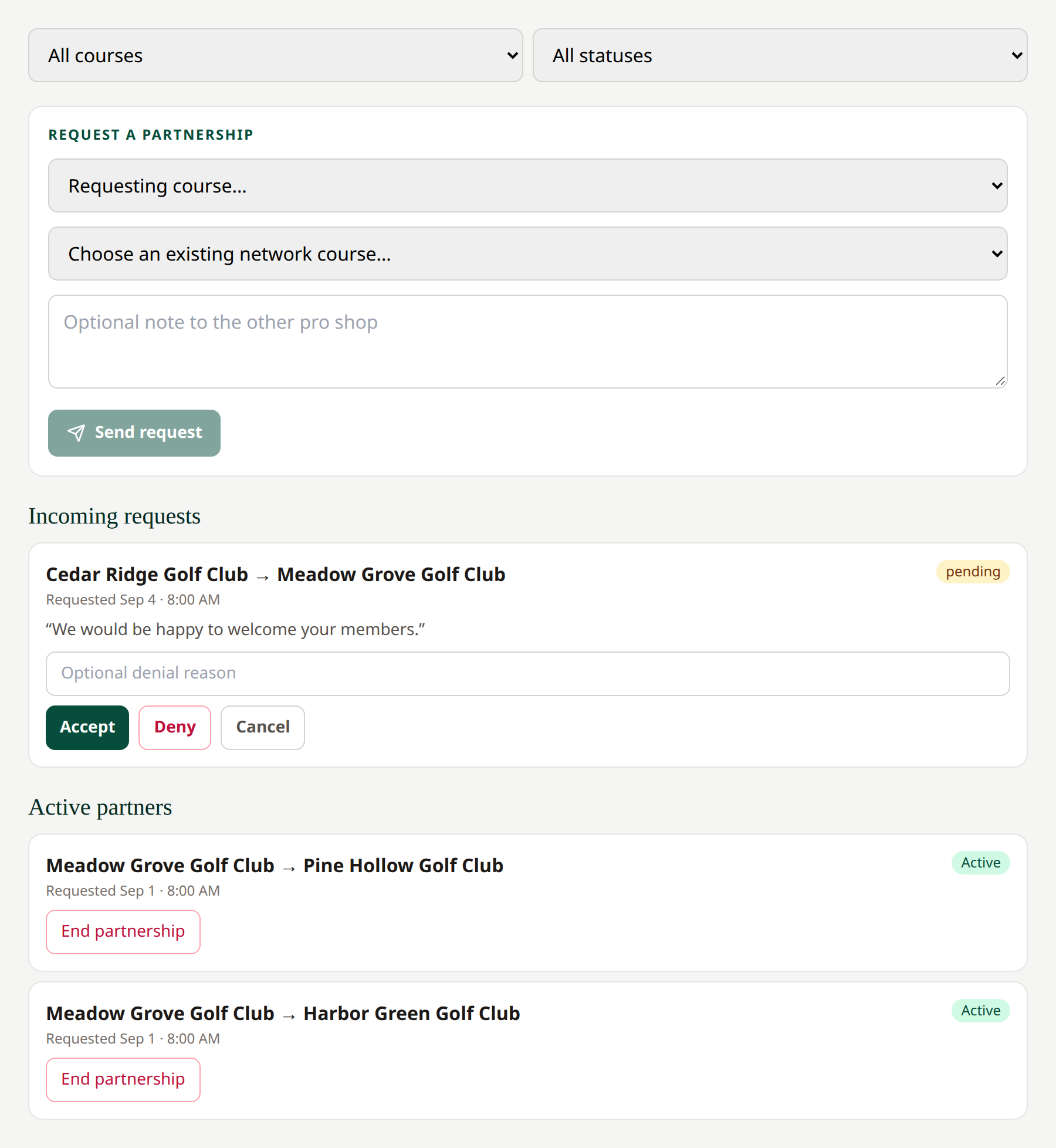 Administrators can review and act on relationships across the network.
Ending a relationship is different from a manager deactivating an approved partner for their own members. Use the manager partnership guide to understand that distinction.
Related: Courses · Network partners for managers